
Before you start
You need the following before starting a pilot:- A successful production test confirmed by Fexco’s implementation team.
- All sign-offs from the certification to production checklist, including written approval from your nominated business owner and a Fexco approver.
- Production credentials and SFTP access confirmed. See Security setup.
1
Select pilot merchants or ATMs
Work with Fexco’s implementation team to agree on the scope of your pilot before it begins. A pilot uses a defined subset of your merchants or ATMs, not your full estate.Contact your Fexco project manager to agree on the number and
mix of pilot locations. Fexco’s implementation team advises on
an appropriate scope based on your merchant base and integration
type.
2
Monitor the pilot period
During the two-week pilot period, verify that DCC transactions and file processing are working as expected at pilot locations. Fexco monitors from their side and contacts you if they identify issues.As part of your monitoring:- Confirm that DCC rate offers are returned for eligible foreign cards at pilot locations.
- Confirm that daily transaction import files are submitted, processed, and confirmed without errors.
- Review transaction commission (TCOM) files to confirm that commission reporting matches your expected output. See How settlement works for details on the commission file.
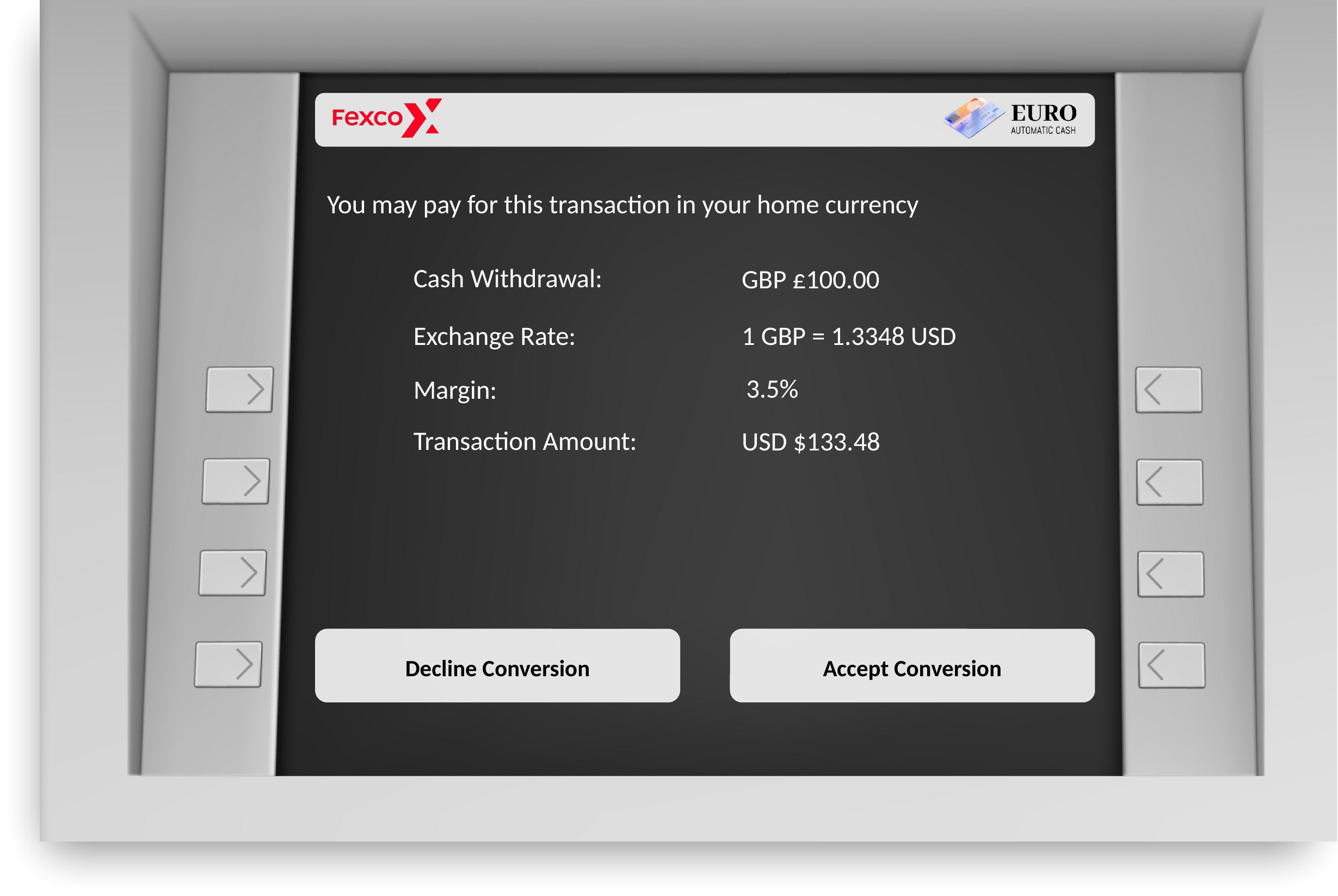
ATM screen — Visa, no access fee
Fexco’s implementation team provides specific monitoring criteria
based on your configuration. Contact your project manager for
the criteria that apply to your integration.
3
Obtain sign-off
The pilot closes when Fexco’s finance and business teams confirm that pilot merchants show the expected behavior.Fexco’s finance and business teams have signed off on the pilot.
If sign-off is not granted, work with your Fexco project manager
to resolve outstanding issues before proceeding to rollout.
Next steps
Use these guides to continue after a successful pilot.- Integration journey: review what happens during rollout and what support is available after going live.
- Troubleshoot merchant boarding: diagnose and resolve merchant configuration errors found during the pilot.
- Troubleshoot transaction file errors: resolve file processing issues found during the pilot.